A display font and a body font are used differently
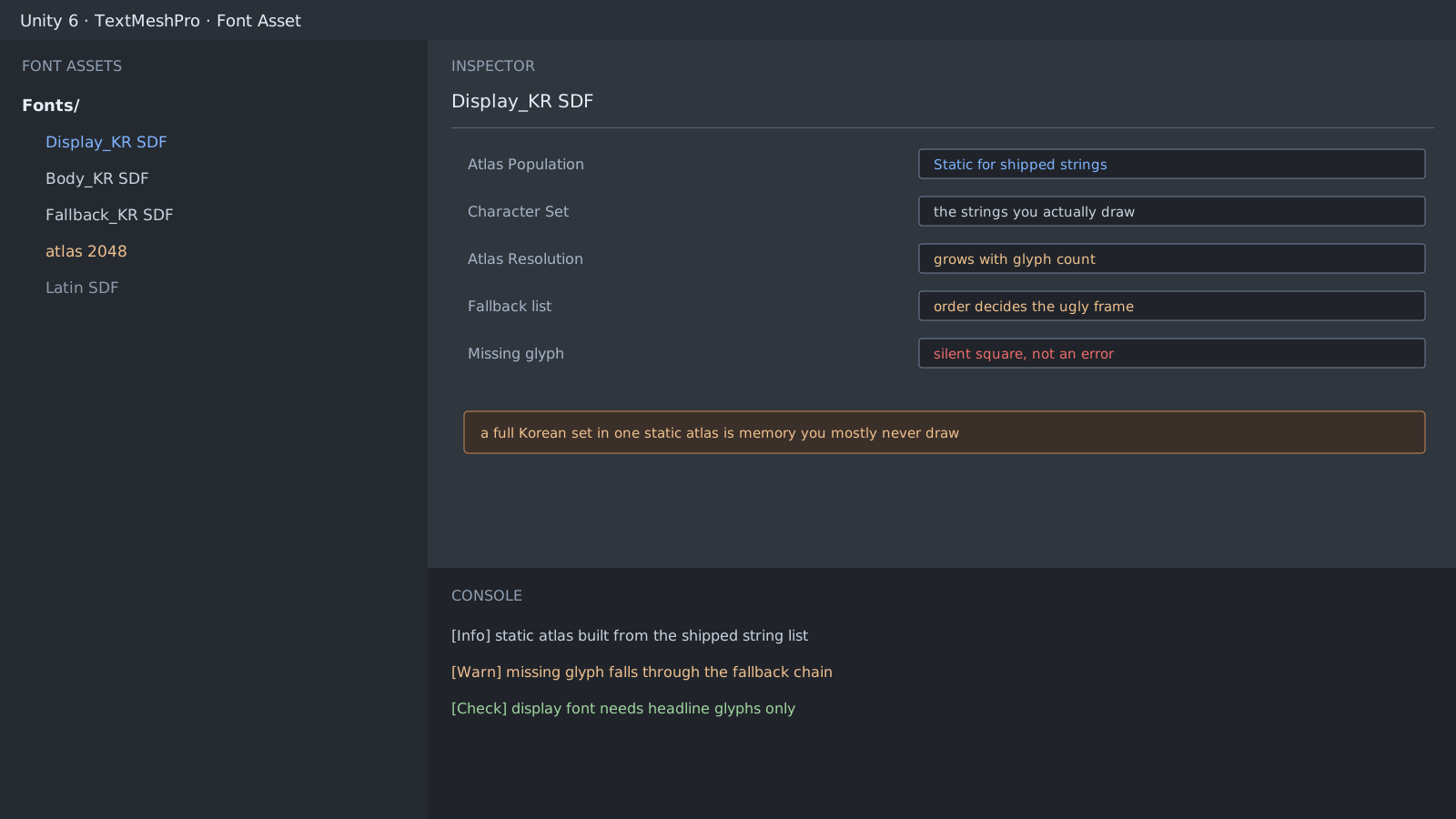
Our game uses a heavy Korean display font for titles and buttons. The number of characters it needs has nothing to do with the body font. Titles use a few dozen characters; body text is far wider. Follow the default flow when creating font assets and you bake both the same way.
How to split static from dynamic
- Bake statically where the strings are fixed at release: titles, buttons, menus.
- Keep it dynamic where characters can change through user input or a translation update.
- Fallback order decides the result. The first font that has the glyph wins.
A missing glyph is a blank, not an error
A missing glyph raises no exception. You get a square, or a different shape from a fallback font. That is why this surfaces after release, on one language's screen. Collecting the strings you draw and checking them is the reliable route.
// Check the strings you will actually draw for missing glyphs
var missing = new HashSet<char>();
foreach (var character in stringsUsedInUi.SelectMany(line => line))
    if (!fontAsset.HasCharacter(character))
        missing.Add(character);

Debug.Log($"missing glyphs: {missing.Count}");
Atlas size follows glyph count
Korean composes many syllables, so glyph counts climb fast. Raising the atlas resolution to cope only grows memory. Shorten the character list first.
[Font] Display_KR SDF  glyphs 214  atlas 1024x1024
[Font] Body_KR SDF     glyphs 2350 atlas 2048x2048
[Check] display font only needs headline characters
Expected result and next step
When the display font's glyph count approaches the characters you actually draw, this item is done. Line breaking is next: Korean breaks between characters, so one string produces different line counts per language. That belongs to the per-locale typesetting post.
Official documentation review
Verified
Reviewed the article's code and procedure against official Unity documentation and marked it ready for publication. This is not a claim of an independent Unity project or device reproduction; version- or device-specific reports will be checked in that environment as follow-up.