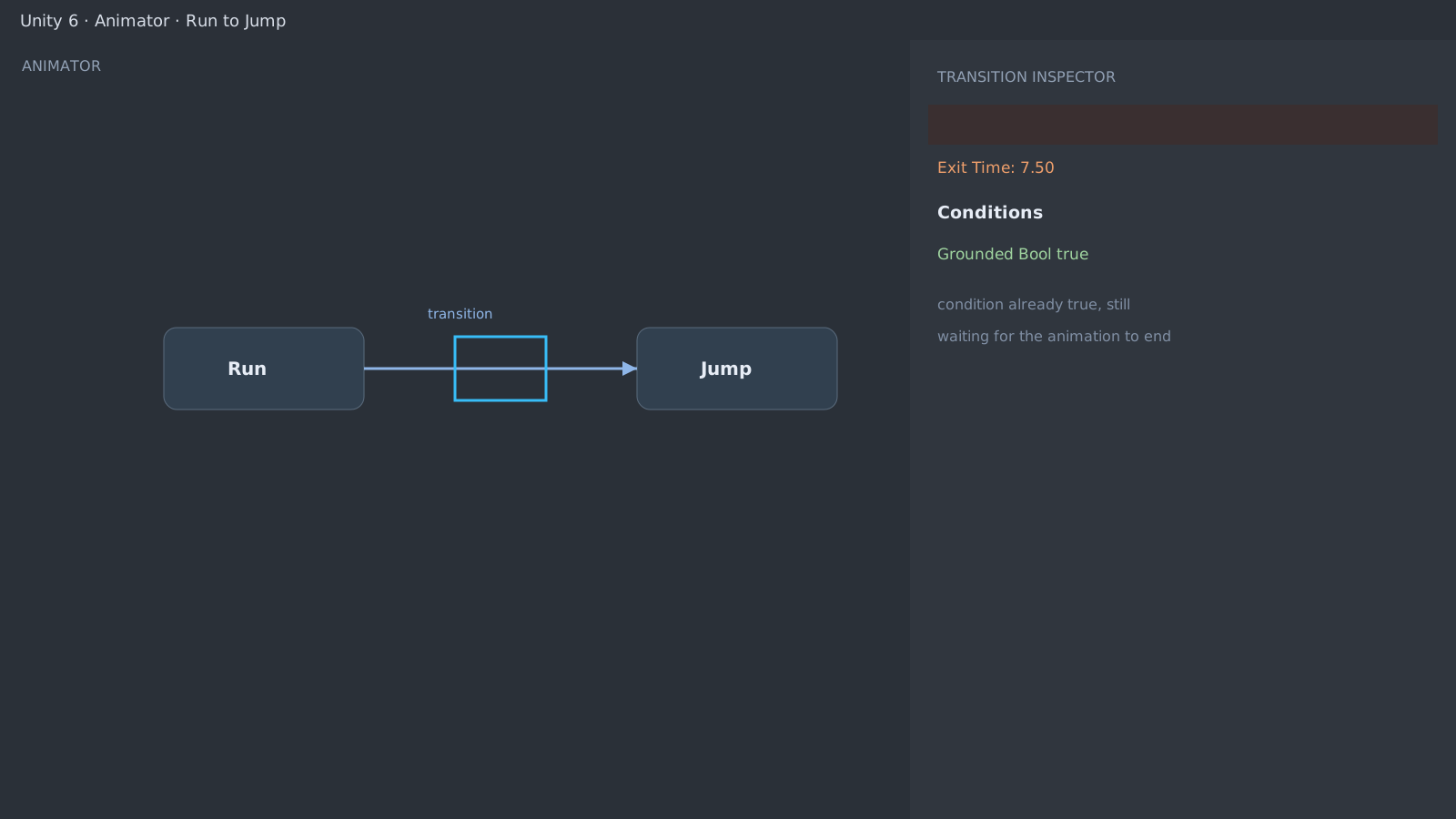
First check: Has Exit Time on the transition
Select the transition arrow and look at Has Exit Time. When enabled, the transition waits for the current animation to finish even with a satisfied condition. Uncheck it and set Exit Time to 0 for instant transitions.
Parameter types and trigger consumption
If SetTrigger fires once and never again, the trigger was consumed and not reset, or another transition on the same frame grabbed it first. Temporarily switch to a Bool to split the cause.
// Calling this every frame piles up triggers and misfires
if (grounded) anim.SetTrigger("Land");
// Call once per state change only
Any State and layers
Any State transitions compete with the ones leaving your state. Check Transition Offset and Interrupt Source, and for extra layers verify the layer Weight is not zero and the mask includes the target bones.
Expected result and next step
Instant transitions on condition changes mean done. For complex machines, follow the live view, and if input dies after transitions, review together with the Input System UI guide.
[Animator] Run -> Jump
HasExitTime: true (waiting 7.50)
Grounded: true (already satisfied)Official documentation review
Verified
Reviewed the article's code and procedure against official Unity documentation and marked it ready for publication. This is not a claim of an independent Unity project or device reproduction; version- or device-specific reports will be checked in that environment as follow-up.