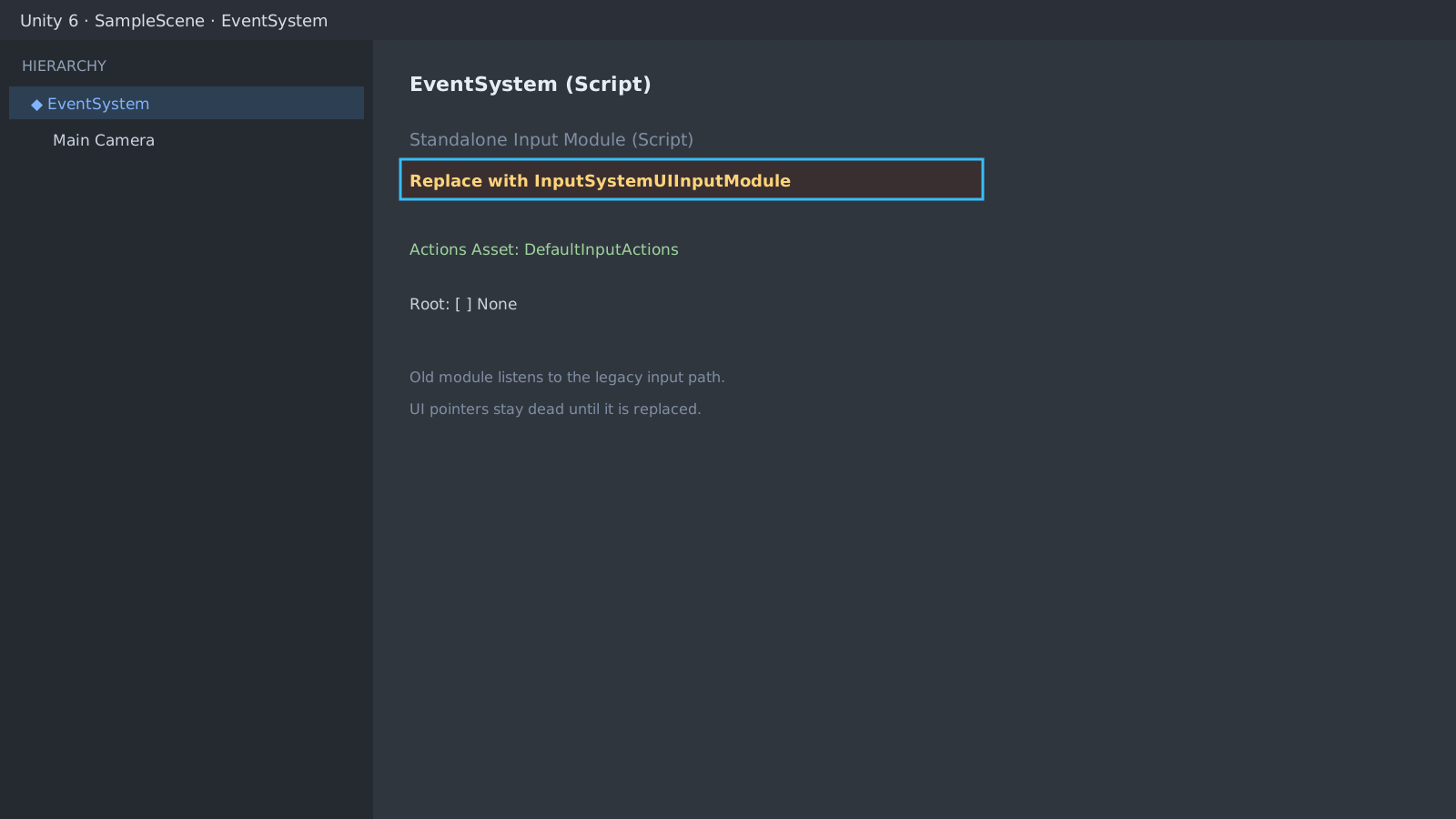
First check: the EventSystem input module
After setting Active Input Handling to the Input System Package, game actions live but UI pointers die. Select the EventSystem and look for a leftover Standalone Input Module (the old input).
Replace the module and assign actions
Click Replace with InputSystemUIInputModule in the inspector and assign DefaultInputActions to Actions Asset. This alone revives clicks in most scenes.
// Clicks still arrive through familiar UI interfaces
public class Slot : MonoBehaviour, IPointerClickHandler
{
    public void OnPointerClick(PointerEventData e) => Debug.Log(name);
}
Still dead? suspect the raycast
A missing GraphicRaycaster on the Canvas or a pointer that never hits the UI reproduces the same symptom. Check whether the Canvas is Screen Space - Overlay and whether an invisible UI steals events as a raycast target. For touch drags continue with the mobile drag guide.
Expected result and next step
Buttons clicking normally means done. If keyboard focus fields still fail, review the selectable focus flow and the UI/Submit action mapping.
[InputSystem] Cannot send pointer events:
no InputSystemUIInputModule on EventSystemOfficial documentation review
Verified
Reviewed the article's code and procedure against official Unity documentation and marked it ready for publication. This is not a claim of an independent Unity project or device reproduction; version- or device-specific reports will be checked in that environment as follow-up.