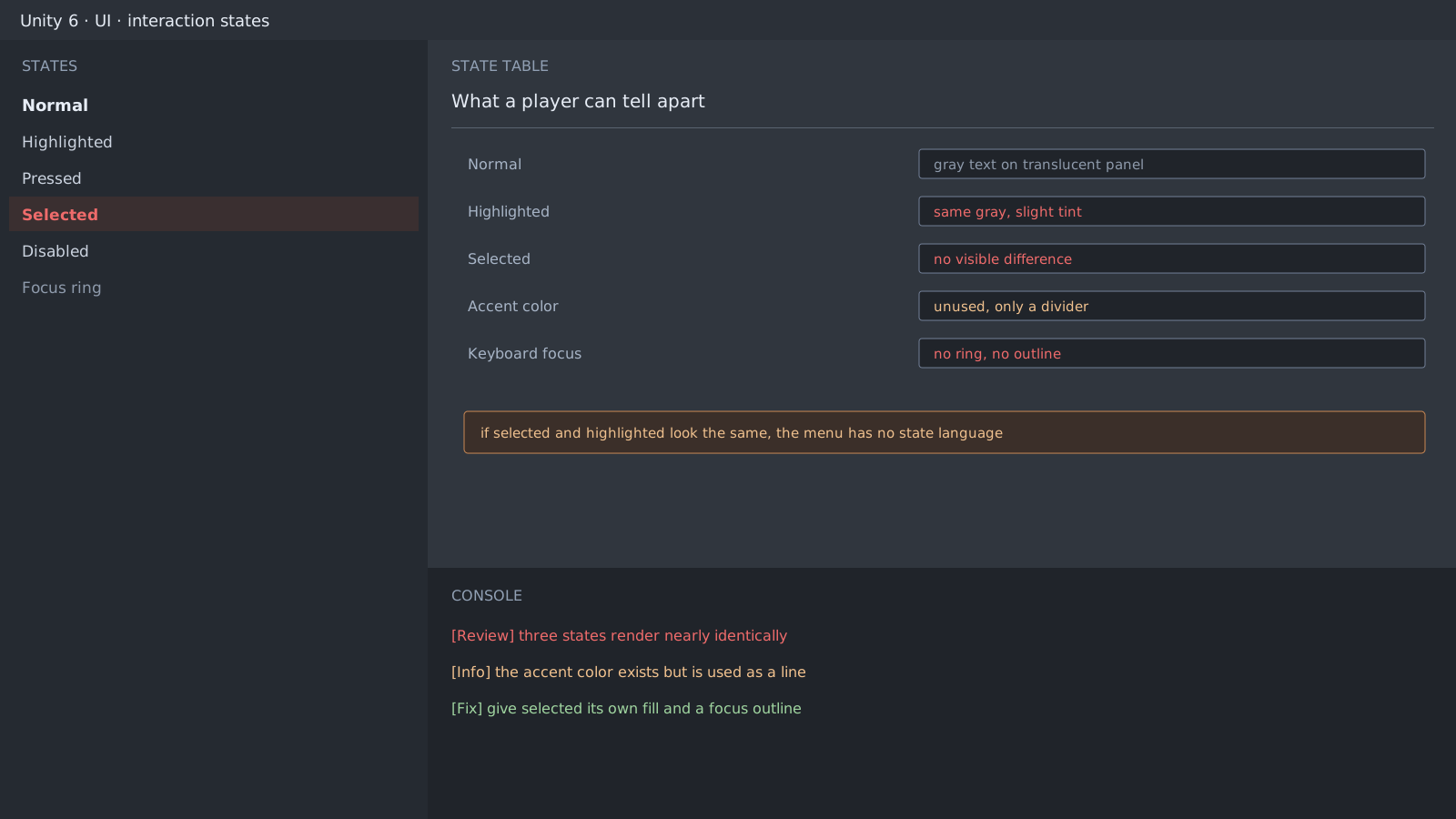
What the review actually found
The main menu was a gray text list on a translucent black column. Selected-state affordance was weak, and the choices sat over the art as two nearly identical black strips. An accent color existed but only as the color of a large heading, which left it acting as a divider. There was no keyboard focus indicator.
That project is Ren'Py, and the route to the same result in Unity is clear enough: leave the default component's state transition as a slight color tint and you arrive here.
Judge it by what a player can tell apart
The design doc can list five states, but if the screen shows two, there are two. Judge it like this.
- Put two screenshots side by side. Can you say which one is selected?
- Convert to grayscale. Are they still distinct?
- Without a mouse, can you tell where you are?
Give each state a different axis
Separating states by color alone fails most of those questions. Mix axes instead: change at least two of fill, border, position, and text weight together.
.menu-item { background-color: rgba(0, 0, 0, 0.35); color: #b9c0cc; }
.menu-item:hover { background-color: rgba(255, 255, 255, 0.08); color: #ffffff; }
.menu-item:focus { border-left-width: 4px; border-left-color: #35c6c0; }
.menu-item.is-selected { background-color: #123b3a; color: #ffffff; }
// On uGUI, move the transition off color and onto sprites or animation
var colors = button.colors;
colors.selectedColor = accent;   // color alone is not enough
button.colors = colors;
button.transition = Selectable.Transition.SpriteSwap;
Expected result and next step
States that survive grayscale finish this item. Empty states such as locked cards come next, and those are an information problem rather than a state problem, so they get their own post.
Official documentation review
Verified
Reviewed the article's code and procedure against official Unity documentation and marked it ready for publication. This is not a claim of an independent Unity project or device reproduction; version- or device-specific reports will be checked in that environment as follow-up.