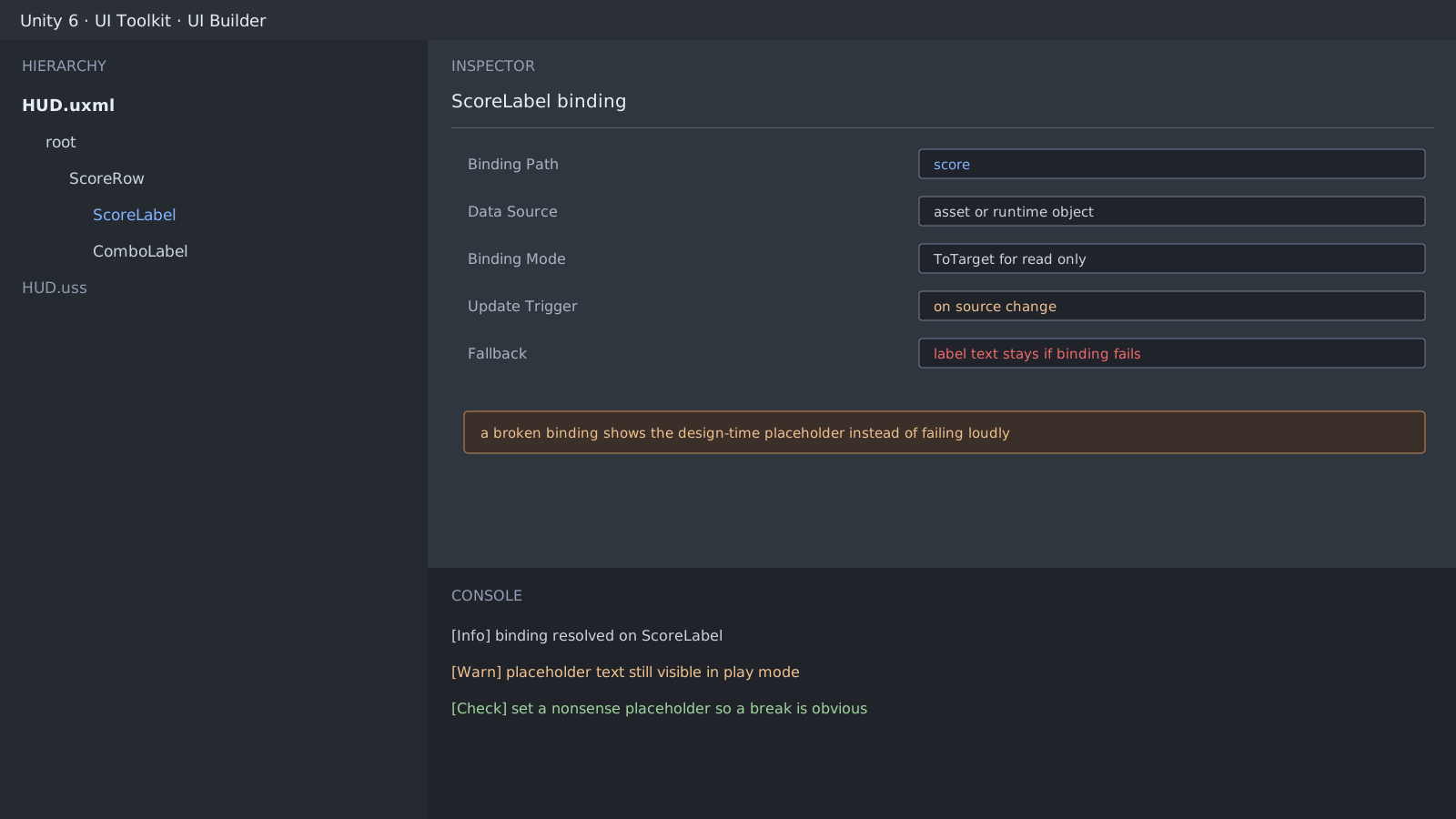
What this looks like
You bind a score label, press play, and the number never changes. The console is quiet. The screen shows the 0 or Score you typed in UI Builder, because a broken binding still leaves the element drawing its own text. That is why this one reaches you through a player report rather than QA.
Values that make the failure visible
Do not write design-time text that looks like a real value. Write a string that is obviously wrong when the binding dies.
- Set the score label default to
--instead of0. - Set the name label default to
NO BINDINGinstead ofPlayer. - A development-only background tint works too.
// Checking the binding itself is the reliable version
var label = root.Q<Label>("ScoreLabel");
if (label.GetBinding("text") is null)
    Debug.LogWarning("ScoreLabel has no text binding at runtime");
Half of it is when you attach the data source
A correct binding path does nothing while the data source is still missing. Compare when the UI document opens against when the game state is created. Usually the UI opens first and the first frame draws an empty value.
var document = GetComponent<UIDocument>();
document.rootVisualElement.dataSource = runtimeState; // after the state exists
How to check
- Change the value at runtime and watch whether the label follows.
- Deliberately leave the data source empty and look at the screen.
- If that screen looks normal, fix the default text.
Expected result and next step
When an empty source produces an obviously wrong screen, this item is done. Lists are next: repeated items break through element reuse more often than through binding, so look at reuse in the scroll view separately.
Official documentation review
Verified
Reviewed the article's code and procedure against official Unity documentation and marked it ready for publication. This is not a claim of an independent Unity project or device reproduction; version- or device-specific reports will be checked in that environment as follow-up.