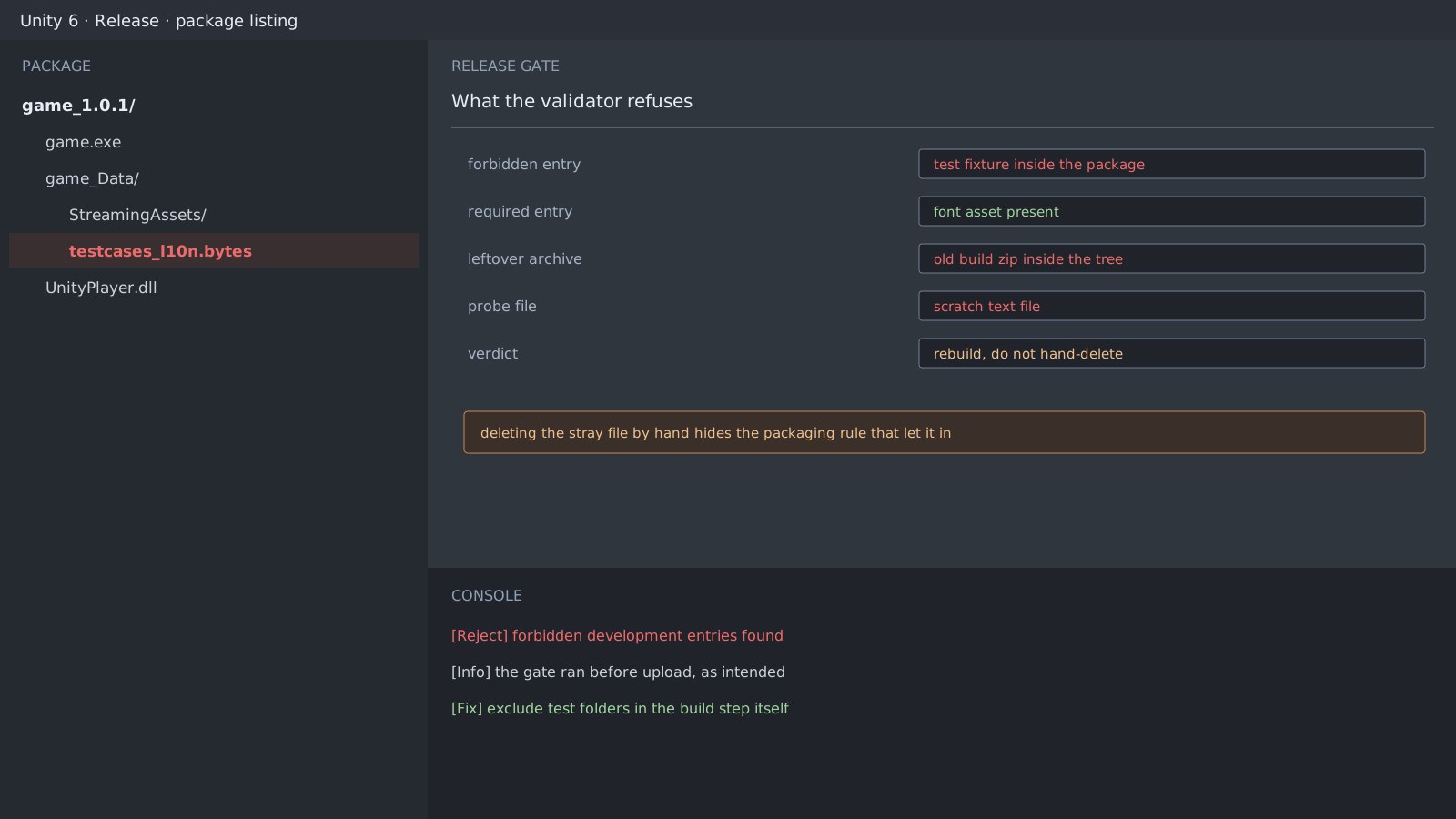
The incident itself is simple
One development test file made it into the 0.2.0 package. The validator found it and refused the package.
The case came from a Ren'Py project, and Unity only changes the location. Test data parked in StreamingAssets, a dummy prefab left under Resources, or a script that ignores the editor-folder convention all reach the build the same way.
Forbidden development entries found:
  after_hours_blue_harbor-0.2.0-pc/game/testcases_l10n.rpyc
Deleting by hand leaves the rule in place
Remove the file, repackage, and that build passes. The next build includes it again. The problem is the rule that packaged it, not the file, so the place to fix is the build step.
- Move test data under
Assets/Editoror into an editor-only assembly. - Keep runtime fixtures in a test-only scene or a separate folder that the build excludes.
- Check a forbidden list in a pre-build callback and stop the build when it hits.
class BlockTestAssets : IPreprocessBuildWithReport
{
    public int callbackOrder => 0;

    public void OnPreprocessBuild(BuildReport report)
    {
        var strays = AssetDatabase.FindAssets("testcases", new[] { "Assets" });
        if (strays.Length > 0)
            throw new BuildFailedException($"test asset would ship: {strays.Length} found");
    }
}
A check placed after the build can only report
A post-build callback can inspect the output, but it is too late to change what already exists. A gate has to run before compilation to block anything. Whether the validator itself still works is the subject of the next post.
Expected result and next step
Run the same build command twice, and no forbidden file either time means the rule is fixed. A single pass may just be the file someone deleted by hand, so verify from a clean clone.
Official documentation review
Verified
Reviewed the article's code and procedure against official Unity documentation and marked it ready for publication. This is not a claim of an independent Unity project or device reproduction; version- or device-specific reports will be checked in that environment as follow-up.