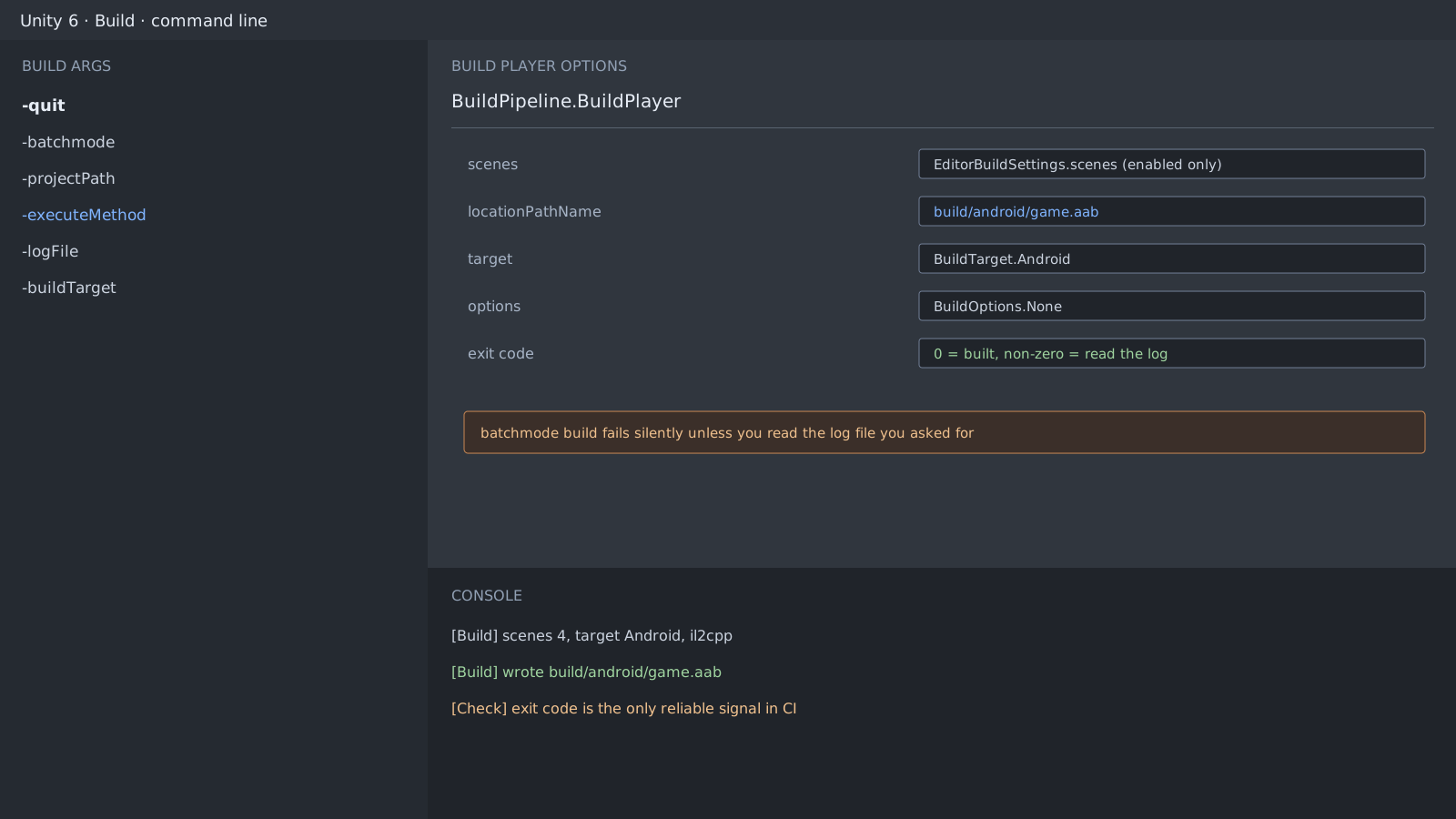
First checks: why the failure is silent
An Editor build shows you a window and an error. Batch mode shows nothing and simply ends the process, which is how you end up with a failed build and only a missing file to look at. Fix the log path and the exit code first, then add the rest.
Unity.exe -quit -batchmode \
  -projectPath C:/project \
  -executeMethod BuildScript.BuildAndroid \
  -logFile C:/logs/build.log \
  -buildTarget Android
Three things that matter more than argument order
- Without
-logFileyou spend the whole debugging session hunting for the log. - Without
-quitthe Editor stays alive and CI looks like it hung. - If the static method behind
-executeMethodthrows, the exit code is non-zero. Ignore it and you read a failure as a success.
What the build method actually decides
Whether you pass the scene list from Build Settings or assemble it in code changes the output. A build that works locally and drops a scene in CI is almost always this.
var scenes = EditorBuildSettings.scenes
    .Where(scene => scene.enabled)
    .Select(scene => scene.path)
    .ToArray();

var report = BuildPipeline.BuildPlayer(
    scenes,
    "build/android/game.aab",
    BuildTarget.Android,
    BuildOptions.None);

if (report.summary.result != BuildResult.Succeeded)
    EditorApplication.Exit(1);
Expected result and next step
On the same commit, a local build and a command line build should produce the same artifact. If the sizes differ, the scene list or the scripting defines diverged, so check the target platform and define list at the top of the log.
Official documentation review
Verified
Reviewed the article's code and procedure against official Unity documentation and marked it ready for publication. This is not a claim of an independent Unity project or device reproduction; version- or device-specific reports will be checked in that environment as follow-up.