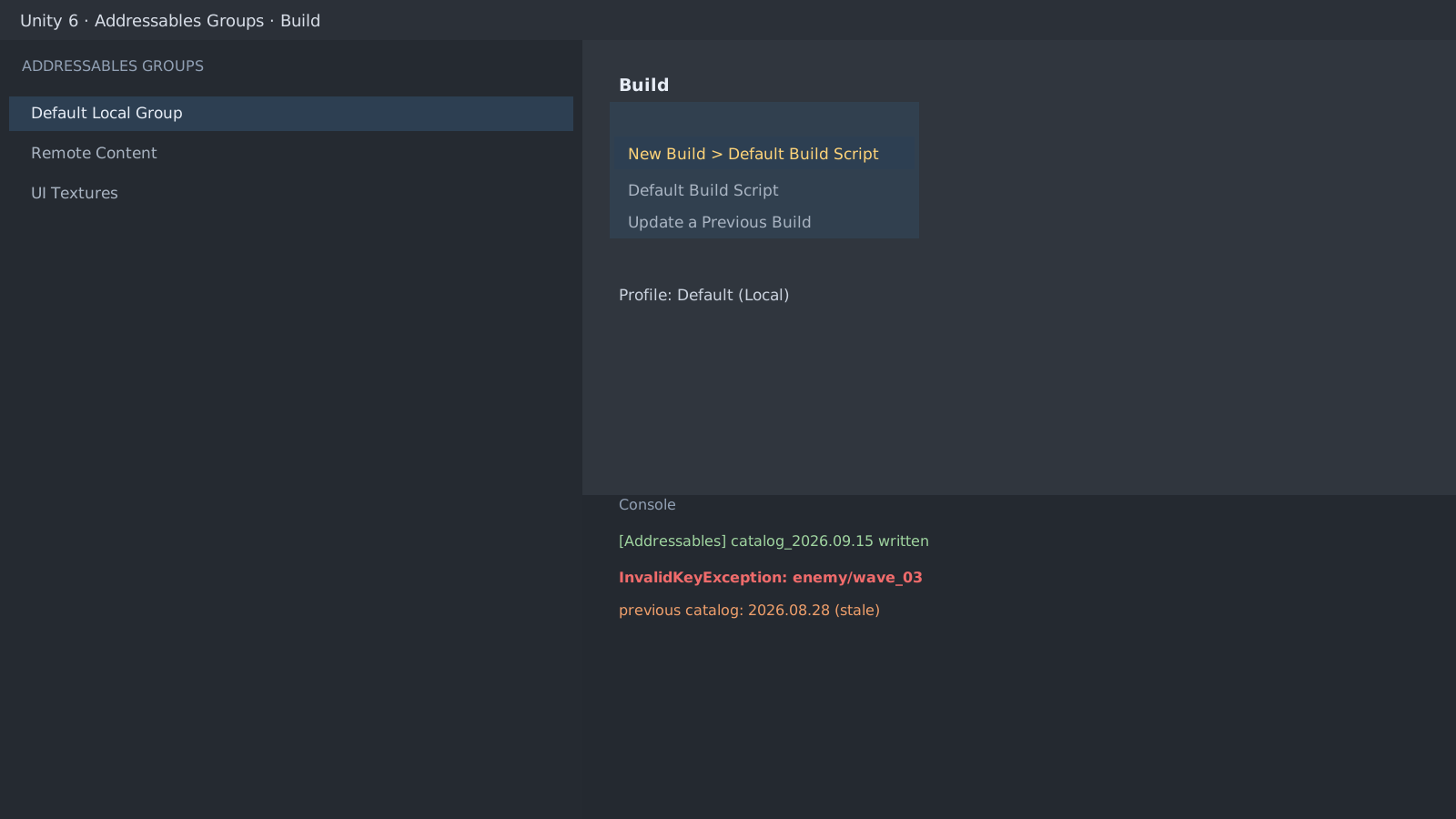
Split the symptom into two branches
An immediate Invalid Key means a load-key problem. A timeout or 404 mid-load points to catalog and bundle paths. Pin which one the console shows first.
If it is Invalid Key
Compare exactly what you pass to the load call with the value in the Groups window: address, label, or asset reference. Trailing spaces, case, and appended extensions are common culprits.
If the catalog is stale
Run Build > New Build > Default Build Script in the Addressables Groups window so the catalog and bundles are rebuilt together. Adding assets without rebuilding the catalog is the most frequent cause.
var handle = Addressables.LoadAssetAsync<GameObject>("enemy/wave_03");
await handle.Task;
// The real cause lands in handle.OperationException
Debug.Log(handle.OperationException);
Profiles and caches
When the Play Mode Script and Build Script use different profiles (local/remote), the Editor works but the device fails. Unify the profile, clear the device cache or reinstall, then retry.
Expected result and next step
The build should load exactly like the Editor. For content updates continue with Content Update Groups, and for release concerns continue with the GC Alloc section of the Profiler guide.
InvalidKeyException: enemy/wave_03 not found in catalog
Last catalog build: 08/28 17:42 (stale)Official documentation review
Verified
Reviewed the article's code and procedure against official Unity documentation and marked it ready for publication. This is not a claim of an independent Unity project or device reproduction; version- or device-specific reports will be checked in that environment as follow-up.