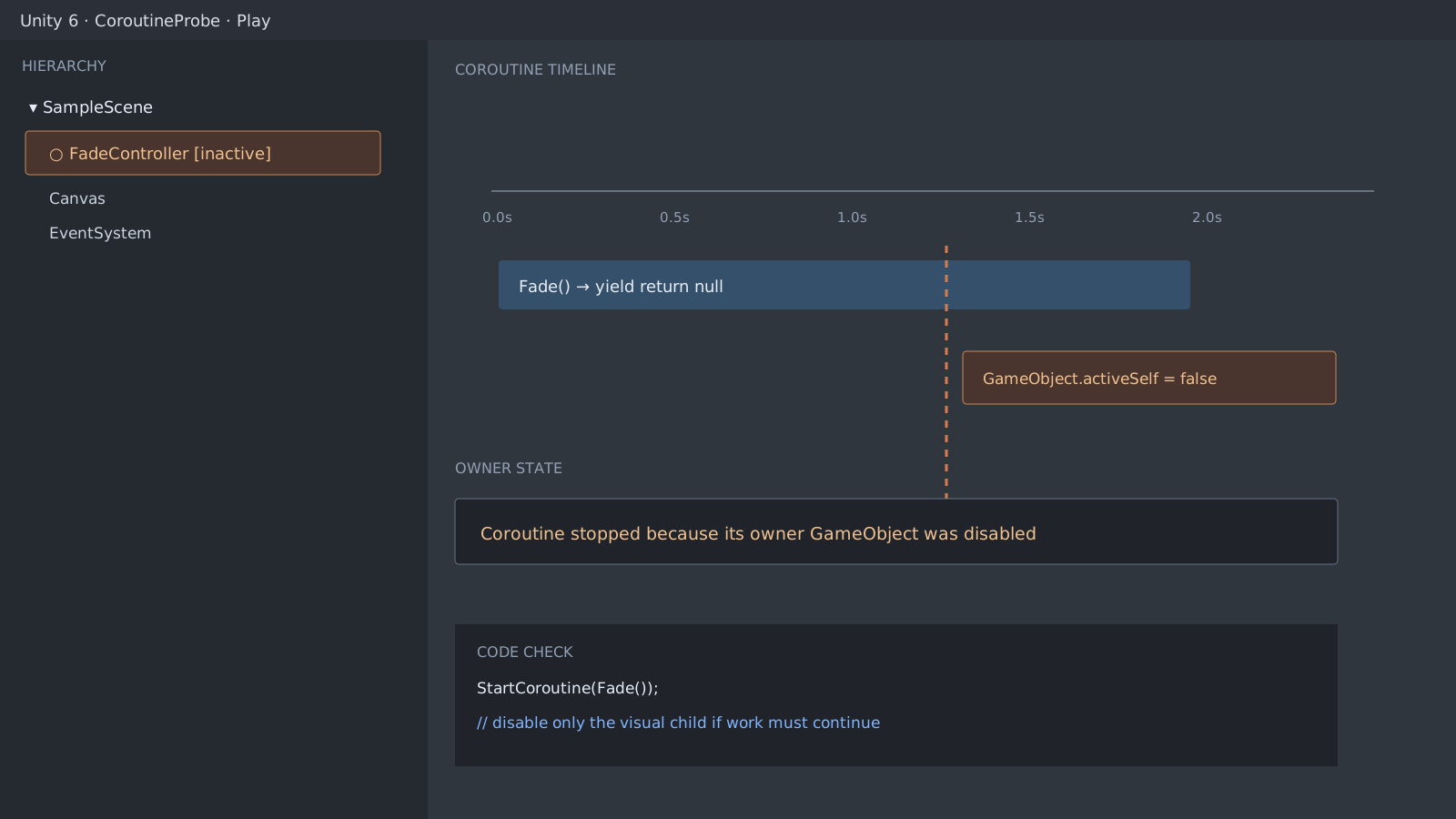
SetActive(false) stops the routine
A coroutine is not a separate thread. It stops when SetActive(false) is called on the owner GameObject or when the MonoBehaviour is destroyed. Setting only the component's enabled property to false does not stop its coroutines by itself. That difference explains silent fades, timers, and flows that poll for a network request to finish.
using System.Collections;
using UnityEngine;

public class FadeController : MonoBehaviour
{
    [SerializeField] private CanvasGroup target;

    public void Begin()
    {
        StartCoroutine(FadeOut());
    }

    private IEnumerator FadeOut()
    {
        while (target.alpha > 0f)
        {
            target.alpha = Mathf.MoveTowards(target.alpha, 0f, Time.deltaTime);
            yield return null;
        }
    }
}
Separate work from visuals
If the whole controller is disabled just to hide a panel, keep the controller alive and hide the CanvasGroup or a child object instead. When you do want to stop the work, keep the Coroutine handle and cancel it explicitly.
This OnDisable method is an explicit cancellation policy chosen by the component, not Unity's automatic behavior. Omit it if the work must survive enabled = false.
private Coroutine running;

public void Begin()
{
    if (running != null)
        StopCoroutine(running);

    running = StartCoroutine(FadeOutTracked());
}

private IEnumerator FadeOutTracked()
{
    yield return FadeOut();
    running = null;
}

private void OnDisable()
{
    if (running == null)
        return;

    StopCoroutine(running);
    running = null;
}
A coroutine is still on the main thread
File I/O or heavy computation inside a coroutine still runs on the main thread. Coroutines spread work across frames, but they do not move CPU work to another core. Profile the cost first, then decide whether a Job System or async/await is appropriate.
Official documentation review
Verified
Reviewed against the Unity 6 documentation and the shown code paths. This guide was not independently reproduced in a Unity project.