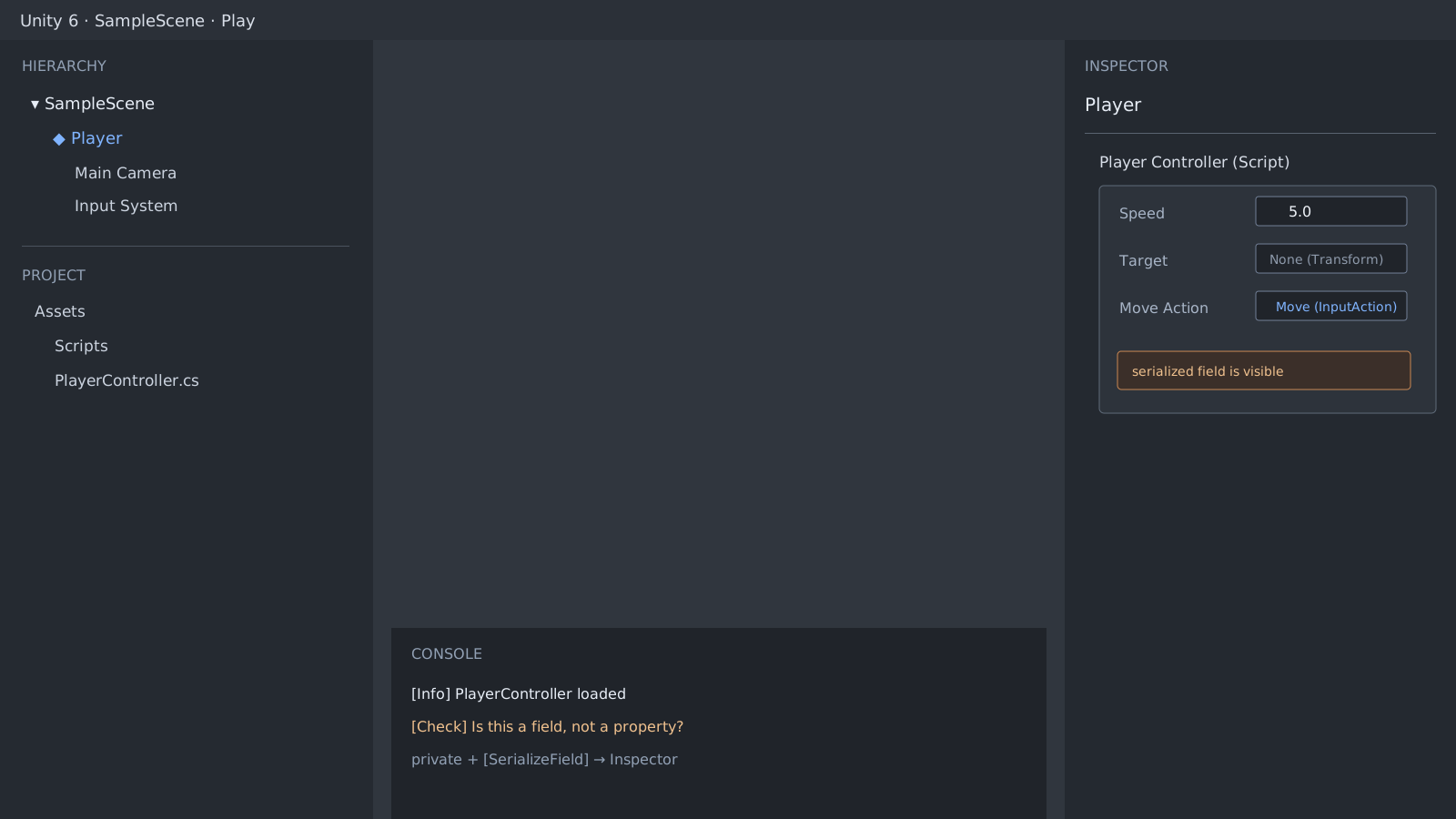
Normal serialization targets fields
Unity's normal serialization rules target fields rather than the property itself. Add [SerializeField] to expose a private field in the Inspector. An explicit backing field follows the same field rules. Auto-properties can be serialized during hot reload as an exception, so an explicit field is clearer for persistent game data.
using UnityEngine;

public class EnemyTuning : MonoBehaviour
{
    [SerializeField] private float moveSpeed = 3.5f;

    public float MoveSpeed => moveSpeed;
}
Remove unsupported fields first
A SerializeField does not make static, const, or readonly fields part of normal Inspector serialization. Dictionaries and multidimensional arrays are also outside Unity's default container support. When compilation fails, the changed assembly and field definition may not load. Clear the Console's compile errors before judging the Inspector.
using System;
using System.Collections.Generic;
using UnityEngine;

[Serializable]
public class Wave
{
    public int count = 4;
    public float interval = 1.5f;
}

public class SpawnConfig : MonoBehaviour
{
    [SerializeField] private Wave firstWave;
    [SerializeField] private List<Wave> waves = new List<Wave>();
}
Check where the value is stored
If the field is visible but its value differs, distinguish the storage location before changing the declaration. A Prefab asset default, an instance override in a scene, and a runtime-only Play Mode value are separate. A value that differs on one instance may be a Prefab override rather than a missing field.
Official documentation review
Verified
Reviewed against the Unity 6 documentation and the shown code paths. This guide was not independently reproduced in a Unity project.