The stack we actually used
Ice Breaker layers free assets to reach a commercial look: a free cartoon UI pack, CC0 impact and interface sounds, a Korean display font that is free for commercial use, and a music track from a free audio site. None of them is a problem on its own. The problem is that adding them across several months always leaves one file whose origin nobody remembers.
Not a license problem, a record problem
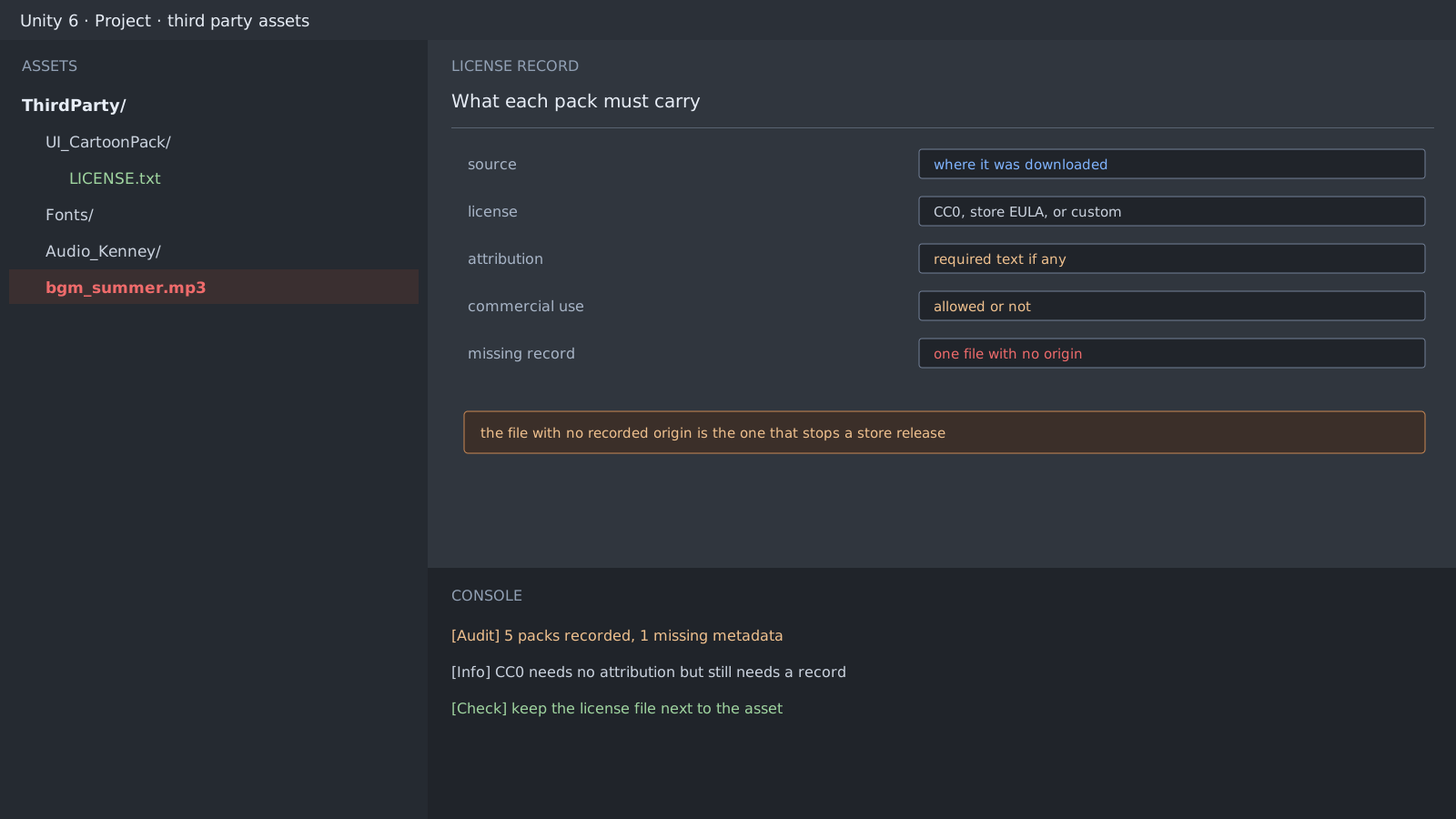
CC0 needs no attribution, and it still needs a record. What you have to answer at store submission is not the license terms but where this file came from. Without a record you cannot prove any terms at all.
Keep these five lines per folder.
- The address you downloaded from
- The license name
- Whether an attribution string is required
- Whether commercial use is allowed
- The date you fetched it
ThirdParty/Audio_Impacts/LICENSE.txt
  source: https://example.test/impact-pack
  license: CC0 1.0
  attribution: not required
  commercial: allowed
  fetched: 2026-06-18
Do not audit by eye
Scanning folders visually misses the gap. A script that lists folders without a license file costs seconds every time after you write it once.
$ find Assets/ThirdParty -mindepth 1 -maxdepth 1 -type d \
    '!' -exec test -e '{}/LICENSE.txt' ';' -print
Assets/ThirdParty/Music_Summer
Expected result and next step
An empty script output means this audit is done. Fonts are next: a Korean font often states embedding permission separately from its license, so read that line on its own.
Official documentation review
Verified
Reviewed the article's code and procedure against official Unity documentation and marked it ready for publication. This is not a claim of an independent Unity project or device reproduction; version- or device-specific reports will be checked in that environment as follow-up.