Too many buttons shared the dialogue screen
After Hours at Blue Harbor is a Ren'Py game built around Hana's expressions, dialogue and the choices between them. A desktop screen had room for history, saving, quick save and load, preferences and other controls along the bottom. Moving that row to a phone leaves less space for every button. Dialogue and controls end up competing for the same small lower part of the screen.
We chose the actions that should stay close at hand. Back, Skip, Auto and Menu remain in the quick bar. Save, Load, Gallery and Preferences sit inside the menu. Revisiting an illustration takes a trip to that menu, but the Gallery button no longer occupies space throughout a conversation. The screen for briefly managing the game has a different job from the screen for reading it.
Opening the gallery directly left something untested
The first checks used development commands to open destinations such as Save and Gallery directly. They showed that the screens could render. They left the route from the player's Menu button to a destination and back to the dialogue unfinished. Having a screen ready did not mean that the player could reach it through that route.
On September 7, we followed that route in the Windows-hosted phone variant. The English and Japanese About entries overlapped the Return button. The Japanese label took two lines and needed more vertical room. Rather than squeeze it onto one line, we reduced button padding only in the phone's in-game menu to separate the two controls.
After the fix, the recorded route opened the menu, changed the language and returned to the dialogue. It returned in Japanese, then continued from the same scene in English. The criterion was being able to make that round trip without losing the story, not simply producing a tidy menu image.
Android observations stay separate
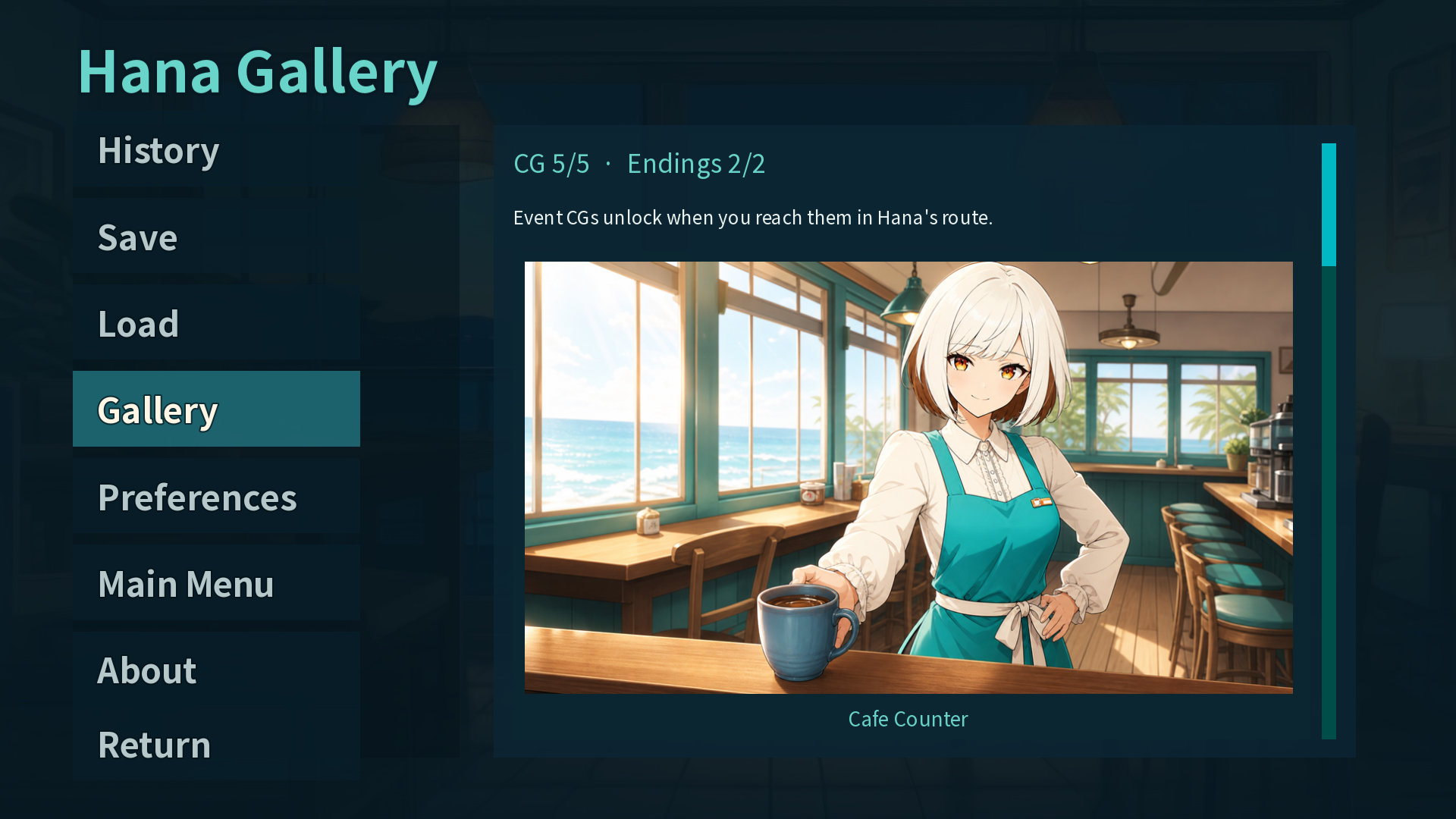
A separate APK installed in an Android 14 emulator that day also exercised entry to the menu, Gallery and Preferences. It recorded saving, advancing the dialogue and loading back to the original line. The Windows phone-variant checks and APK input records remain separate. The illustration in this article is an earlier Windows development frame, not a new photograph from a physical phone.
Reducing the feature count first can remove something a player needs. Blue Harbor first selected the four controls that should remain visible and kept the other functions inside the menu. For a mobile game made in Unity, following the player's entry point all the way to the return destination can expose missing connections that direct screen opens leave out.
Direct reproduction in a real project
Verified
Test environmentRen'Py 8.5.3 · Windows EN/JA phone-menu run 2026-09-07 · d68dcf7 APK on Android 14/API 34 emulator
The September 7 Windows phone-variant records cover the English/Japanese menu round trip and the About/Return overlap fix. Separate Android 14 emulator records for the d68dcf7 APK cover menu, Gallery and Preferences access plus save restoration. The article image is an earlier Windows development frame.