Separate review from upload
A store submission can stop in two places: the upload refuses the file on format grounds, or the accepted build is held in policy review. The first is mostly a handful of player settings; the second is a content and policy matter with a different shape. What we checked for our brick breaker's 1.0.1 update was the first.
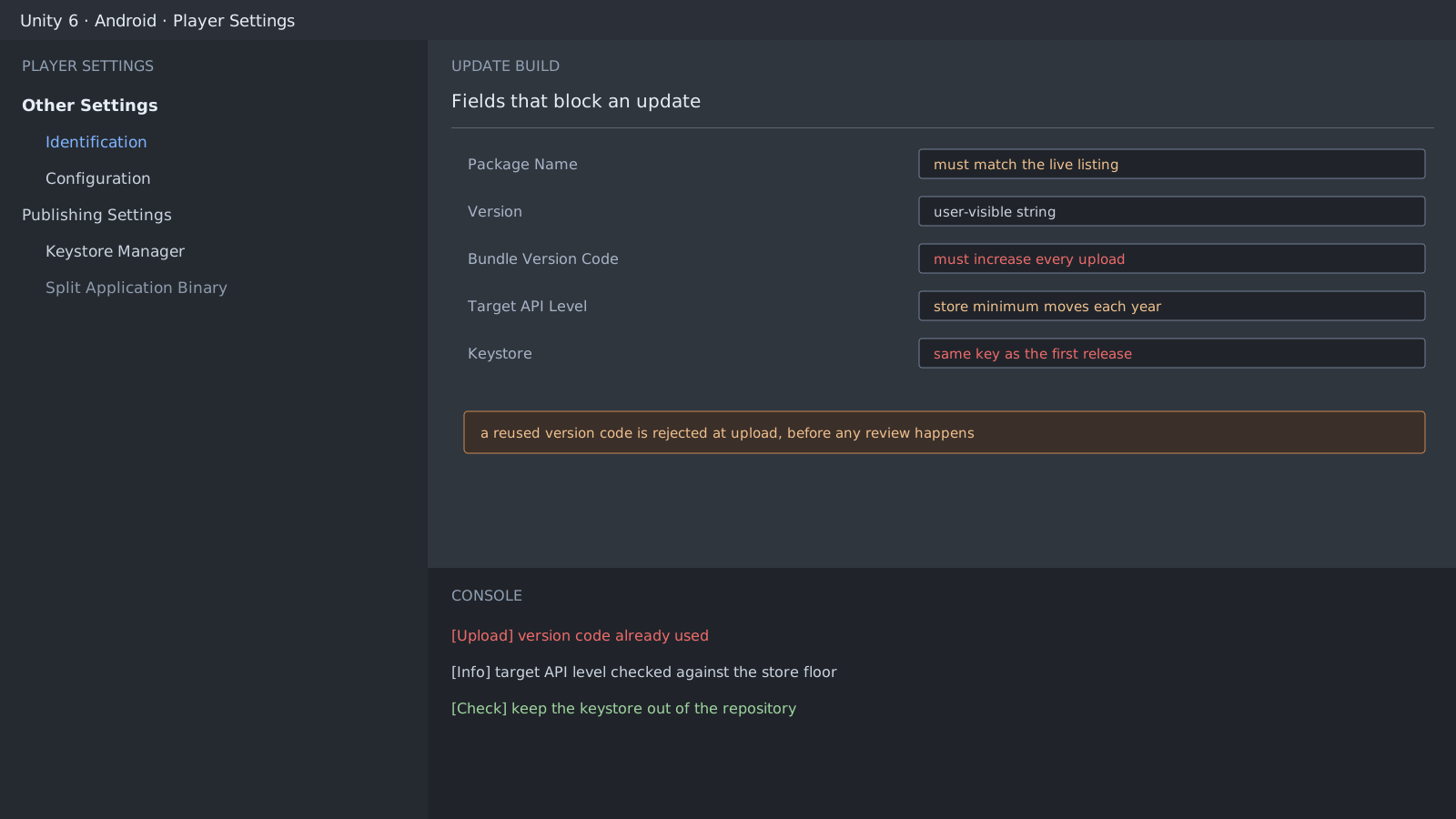
Values that are refused immediately
- Bundle Version Code has to increase on every upload. A repeat is not accepted at all.
- Package Name must exactly match the live app, or it is treated as a new listing.
- The signing key must match the first release. Lose it and you cannot update the same app.
- Target API Level has a store minimum that rises every year.
# Pull the values before uploading
$ grep -E "AndroidBundleVersionCode|bundleVersion|applicationIdentifier" \
    ProjectSettings/ProjectSettings.asset
  AndroidBundleVersionCode: 4
  bundleVersion: 1.0.1
  applicationIdentifier:
    Android: com.example.icebreaker
Do not raise the version code by hand
By hand means forgotten. Raise it in the build script and log the value you used.
[InitializeOnLoad]
static class VersionStamp
{
    public static void Bump()
    {
        PlayerSettings.Android.bundleVersionCode += 1;
        Debug.Log($"bundle version code: {PlayerSettings.Android.bundleVersionCode}");
    }
}
Expected result and next step
An accepted upload clears this stage. What holds a build afterwards belongs to the store listing rather than the code, so treat it separately. Keep the signing key out of the repository and record only where it lives.
Official documentation review
Verified
Reviewed the article's code and procedure against official Unity documentation and marked it ready for publication. This is not a claim of an independent Unity project or device reproduction; version- or device-specific reports will be checked in that environment as follow-up.