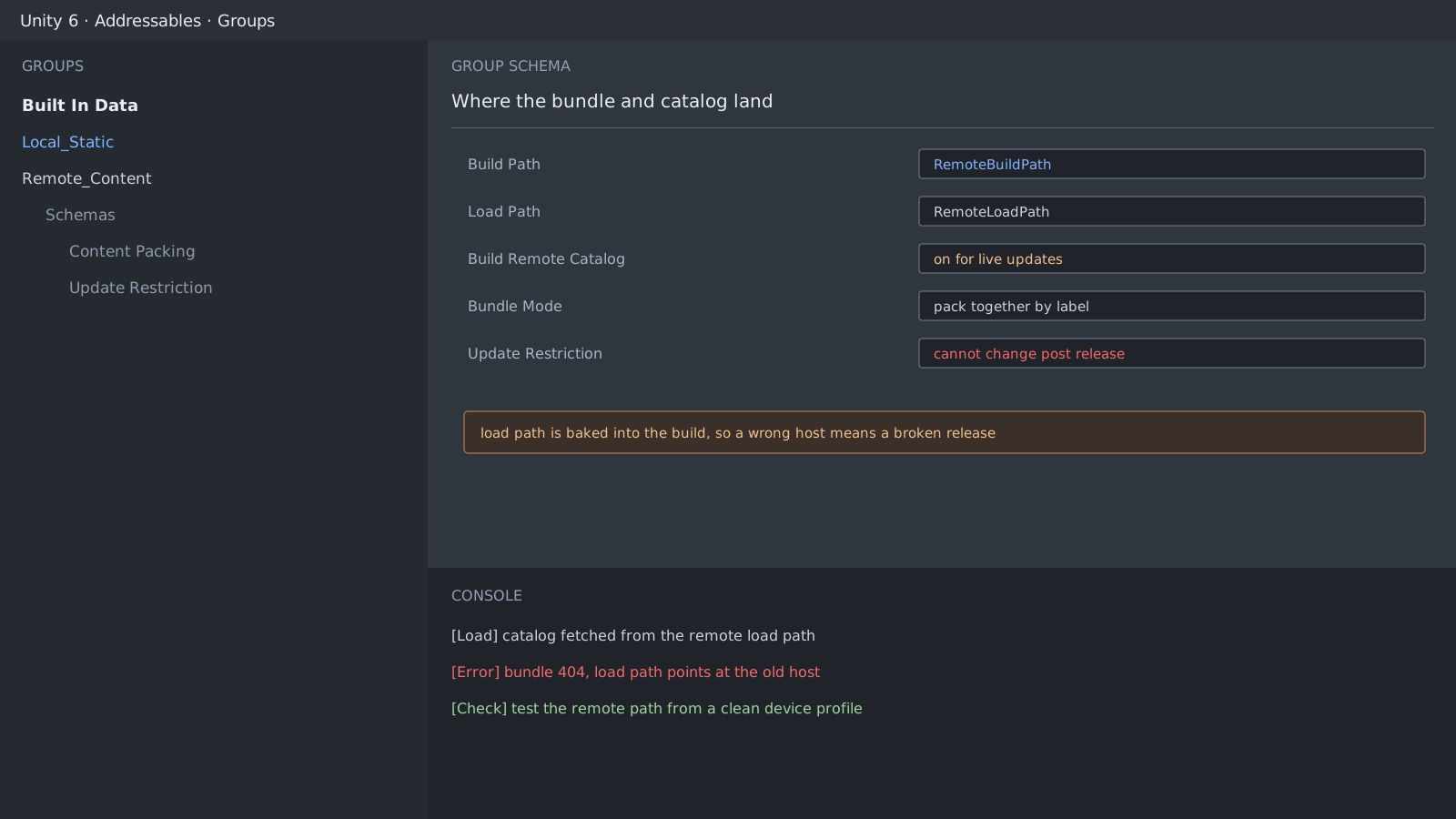
The two paths describe different moments
An Addressables group carries a build path and a load path separately. The build path says where the bundle is written on this machine now; the load path says where a device will fetch it later. The load path is baked into the build, so a wrong value cannot be fixed until you ship another app version.
The first two groups to split
- Put only what the first screen needs in the local group.
- Put only what you intend to update in the remote group.
- Turn on Build Remote Catalog for the remote group, or there is no update path at all.
- Before release, fetch the remote path for real from a clean device profile.
// Attach the failure path before the load path
var handle = Addressables.LoadAssetAsync<GameObject>("boss_stage");
await handle.Task;

if (handle.Status != AsyncOperationStatus.Succeeded)
{
    Debug.LogError($"addressable load failed: {handle.OperationException}");
    return;
}
Some settings cannot move after release
A group's update restriction and bundle packing mode have to agree with the catalog already in the wild. Change them post release and older installs can no longer read the new catalog. Write both values down on the day you enable remote content.
[Load] catalog fetched from remote load path
[Error] bundle request returned 404, load path points at the old host
[Info]  clear the cache to reproduce a first install
Expected result and next step
A remote bundle arriving on a clean profile means the paths are right. Cache is next: bundles pulled during development hide the first-install case, so clear it and check once more.
Official documentation review
Verified
Reviewed the article's code and procedure against official Unity documentation and marked it ready for publication. This is not a claim of an independent Unity project or device reproduction; version- or device-specific reports will be checked in that environment as follow-up.