Separate the Prefab asset, an Edit Mode instance, and Play Mode
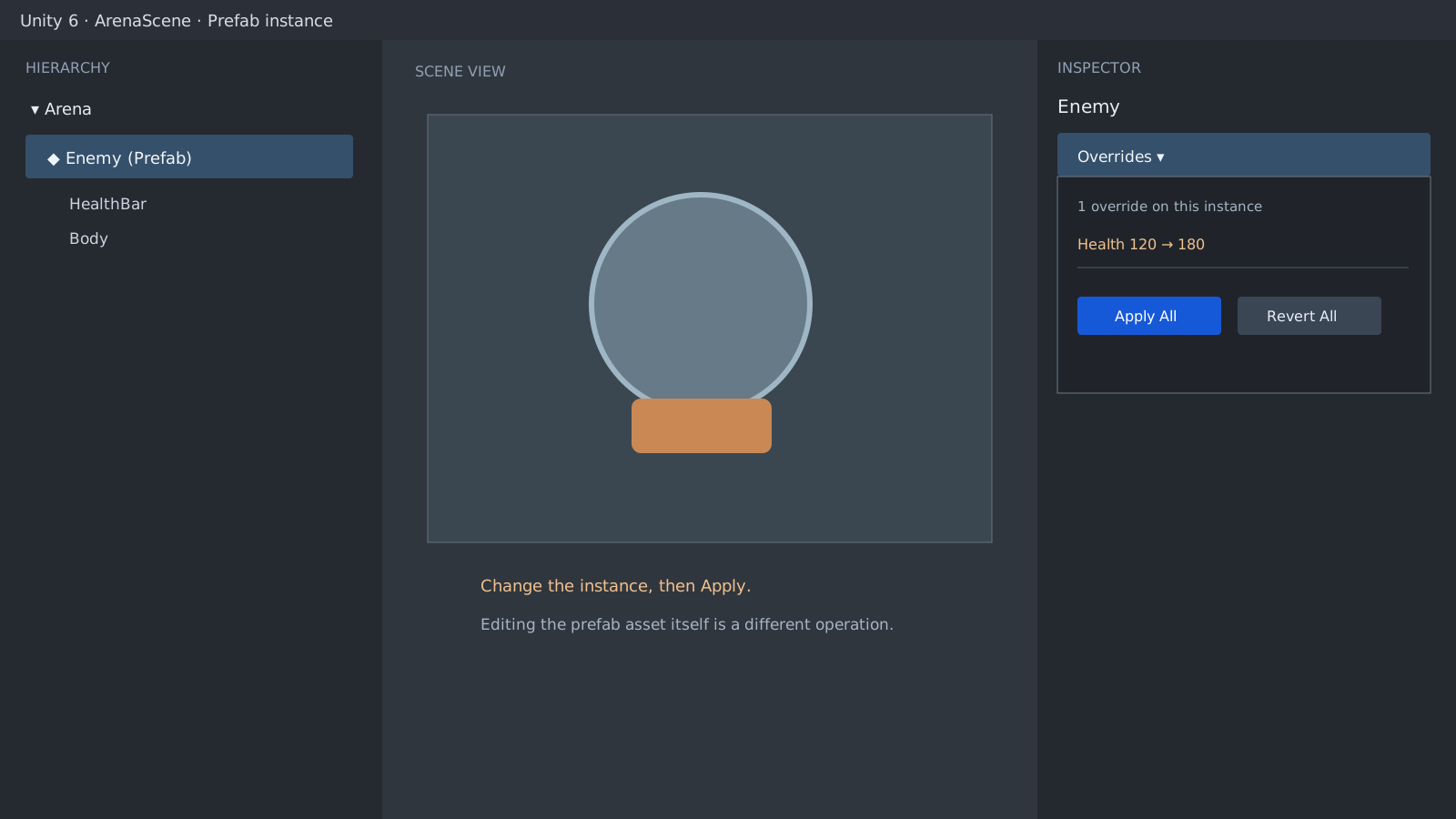
Changing Health to 180 on Enemy_A in a scene creates a property override on that instance. Enemy_B and the Prefab asset remain at 120. In the opposite direction, changing the asset to 200 still leaves Enemy_A at its existing 220 override, while the plain Enemy_B updates to 200. Identify the place you edited before deciding why another instance did not change.
using UnityEngine;

public sealed class EnemyHealth : MonoBehaviour
{
    [SerializeField] private int health = 120;
}
Apply and Revert move values in opposite directions
Revert restores a selected instance override from its current inherited source. In the reproduction, reverting Enemy_B's 90 override restored the asset value of 180. Apply promotes a selected change to the target Prefab asset or Variant shown in the Overrides window. Applying Enemy_A's 180 updated both the asset and the non-overridden Enemy_B to 180.
Apply All is not a single-property fix. It can copy every property override, added or removed component, and added child on the outermost Prefab instance. Read the changed items and target asset name, then prefer an individual Apply or Apply Selected when that is enough.
Initial       Asset 120 · Enemy_A 120 · Enemy_B 120
Local edit    Asset 120 · Enemy_A 180 override · Enemy_B 120
After Apply  Asset 180 · Enemy_A 180 · Enemy_B 180
Asset edit    Asset 200 · Enemy_A 220 override · Enemy_B 200
A Play Mode value resets on exit
An Inspector edit made during Play Mode is not a saved Prefab override. The test started from an Edit Mode value of 220, changed it to 999 during Play Mode, and returned to 220 on exit. Make a lasting edit after Play Mode ends. Leave it as an override when only one instance should differ, and Apply the exact item only when it belongs in the shared asset.
Root Transforms and nested Prefabs need separate checks
The root Position and Rotation of a Prefab instance are not treated as explicit instance overrides. After moving the instance to 3, 4, 5 and running Apply All, the asset root still remained at 0, 0, 0. Nested Prefabs and Variants can have several source levels. The reproduction resolved separate paths for the outer EnemyWithWeapon.prefab, the inner Weapon.prefab, and the Variant's Enemy.prefab base. Check the target name in Overrides, and do not push a Variant-only value into its parent Prefab.
Direct reproduction in a real project
Verified
Test environmentUnity 6000.5.3f1 · Windows 10 22H2 (10.0.19045) · empty project
Reproduced instance-versus-asset precedence, Apply and Revert, the 220→999→220 Play Mode reset, root Transform behavior, and distinct nested-Prefab and Variant source paths in an empty project. Removed the previous automation that could apply every override from a selected object.