Turning a release talk toward your own project
Unity's official Korean channel has an episode on how the 6.3 LTS Editor changed. The feature list is accurate over there, so this post only handles the local question: what changes by itself when this project opens in that Editor.
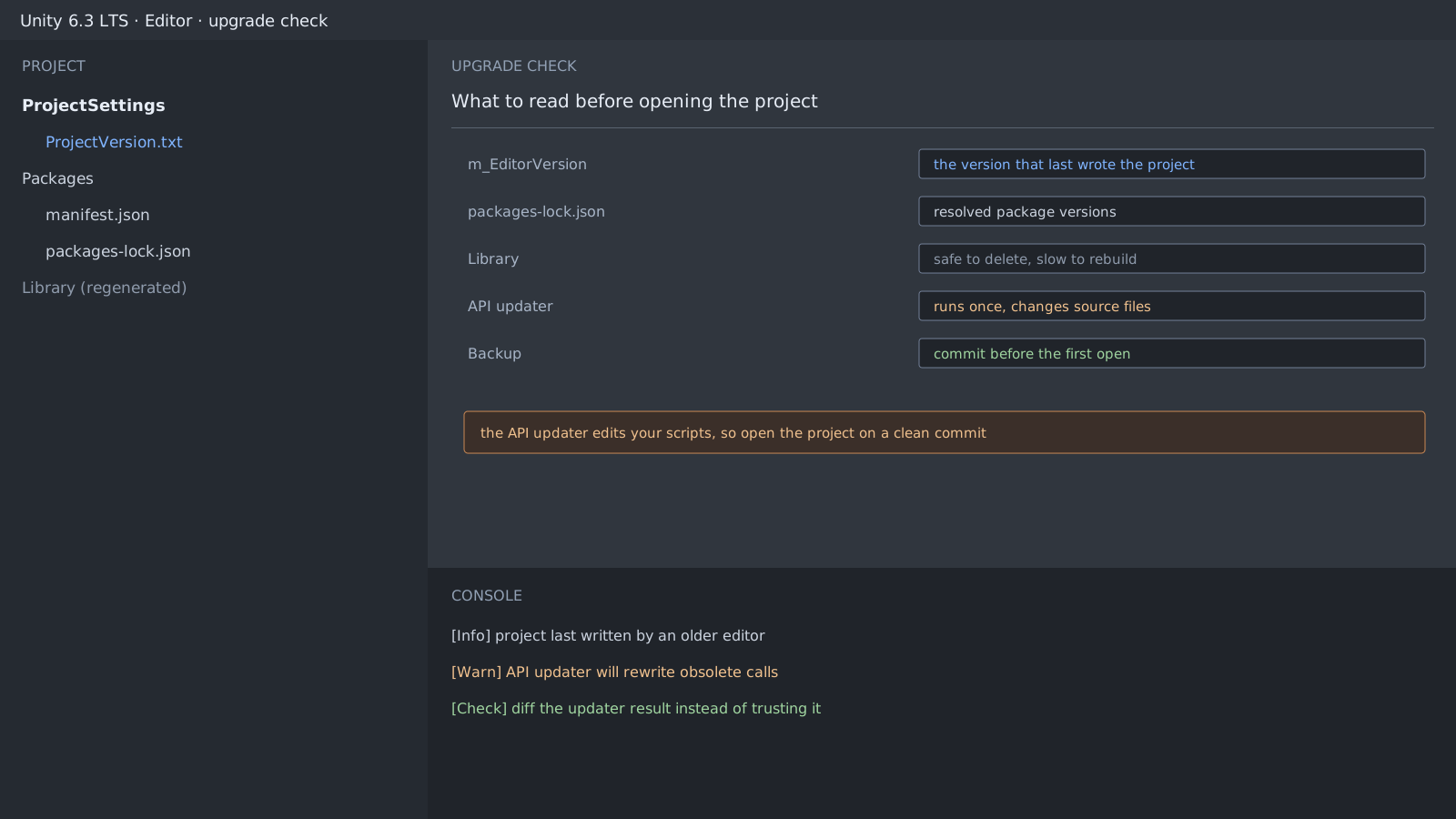
Three places change in ways that are awkward to undo the moment the project first opens, which is why the reading list comes before the upgrade.
ProjectSettings/ProjectVersion.txt   # which editor last wrote the project
Packages/manifest.json               # the versions you asked for
Packages/packages-lock.json          # the versions actually resolved
One step rewrites your source files
The API updater finds obsolete calls and edits files in place. That is convenient, but if it runs over uncommitted work you cannot tell its changes from yours.
- Clean the working tree and commit.
- Open the project in the new Editor.
- When the updater finishes, read only the changed files with
git diff. - Check the render pipeline asset and the input actions asset separately.
The Library folder is disposable, and slow
Library is a cache, so deleting it costs only rebuild time. On a large project that rebuild is long, so delete it to narrow a problem, not as a first move. Hunting a version problem in there is the biggest time sink of the whole upgrade.
$ git status --short
 M Assets/Scripts/PlayerController.cs
 M ProjectSettings/ProjectVersion.txt
 M Packages/packages-lock.json
Expected result and next step
Once you have read the updater's diff and accepted it, the first gate is done. Opening in the Editor and passing a build are different things, so run a device build from the same commit.
Official documentation review
Verified
Reviewed the article's code and procedure against official Unity documentation and marked it ready for publication. This is not a claim of an independent Unity project or device reproduction; version- or device-specific reports will be checked in that environment as follow-up.